Vendor Video Player Apps
|

|
Preview

About
Distribution and Rights Management System for Video Files. Part of a system that prevents each sold video file from being played on more than one device. The Vendor Video Media Player plays Vendor Video Media (.vvm) files — a unique proprietary file type.
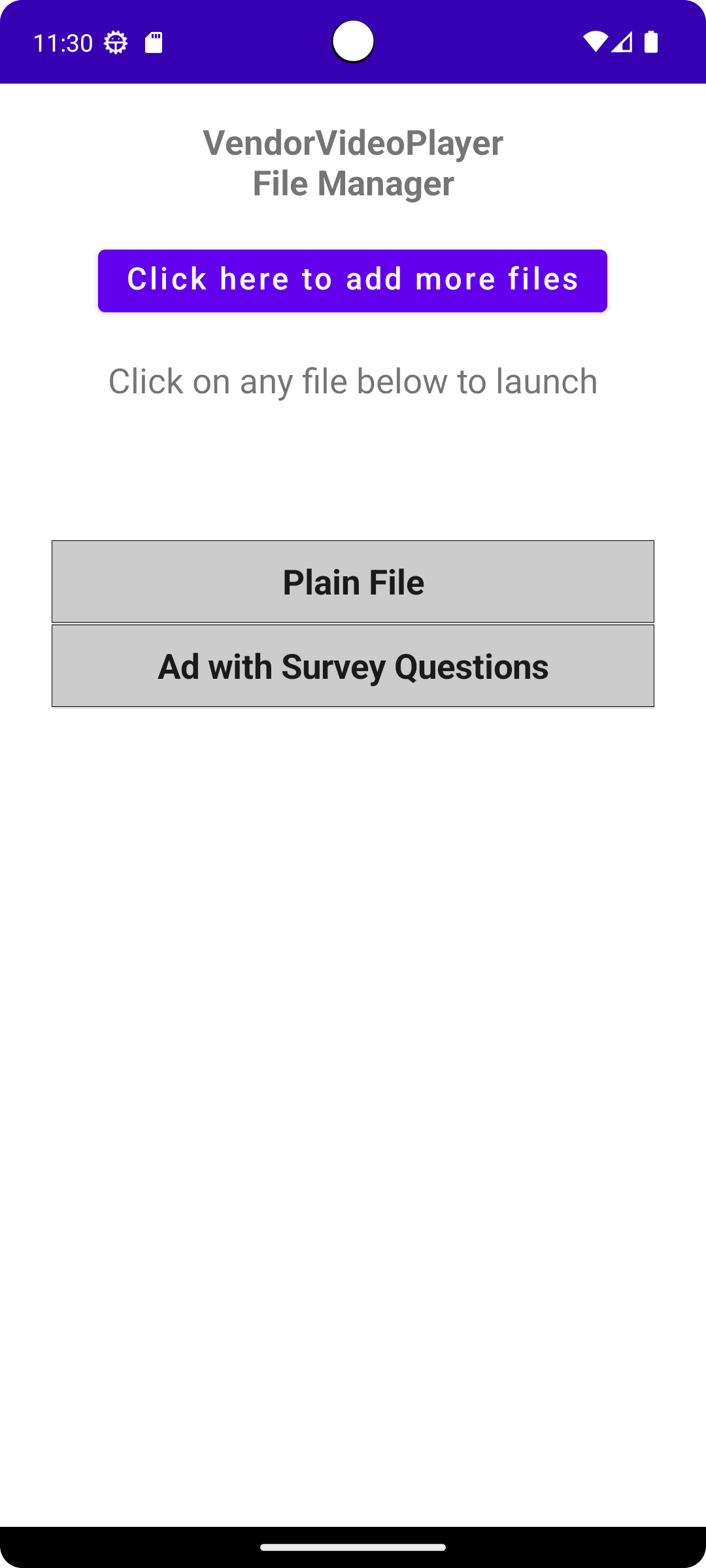
We designed VVM so that once a file has been downloaded onto a customer's device, it can only be played on that device. This allows publishers (vendors) to sell video files directly with reduced piracy risk. Vendors can also control when files are viewed (for example, rental periods) and collect realtime user feedback with scripted form questions before or after playback.
How it works
- A publisher registers at venvideo.com and uploads MP4 files.
- When a customer buys a video on the publisher’s website, the customer receives an emailed link from venvideo.com for a .vvm file.
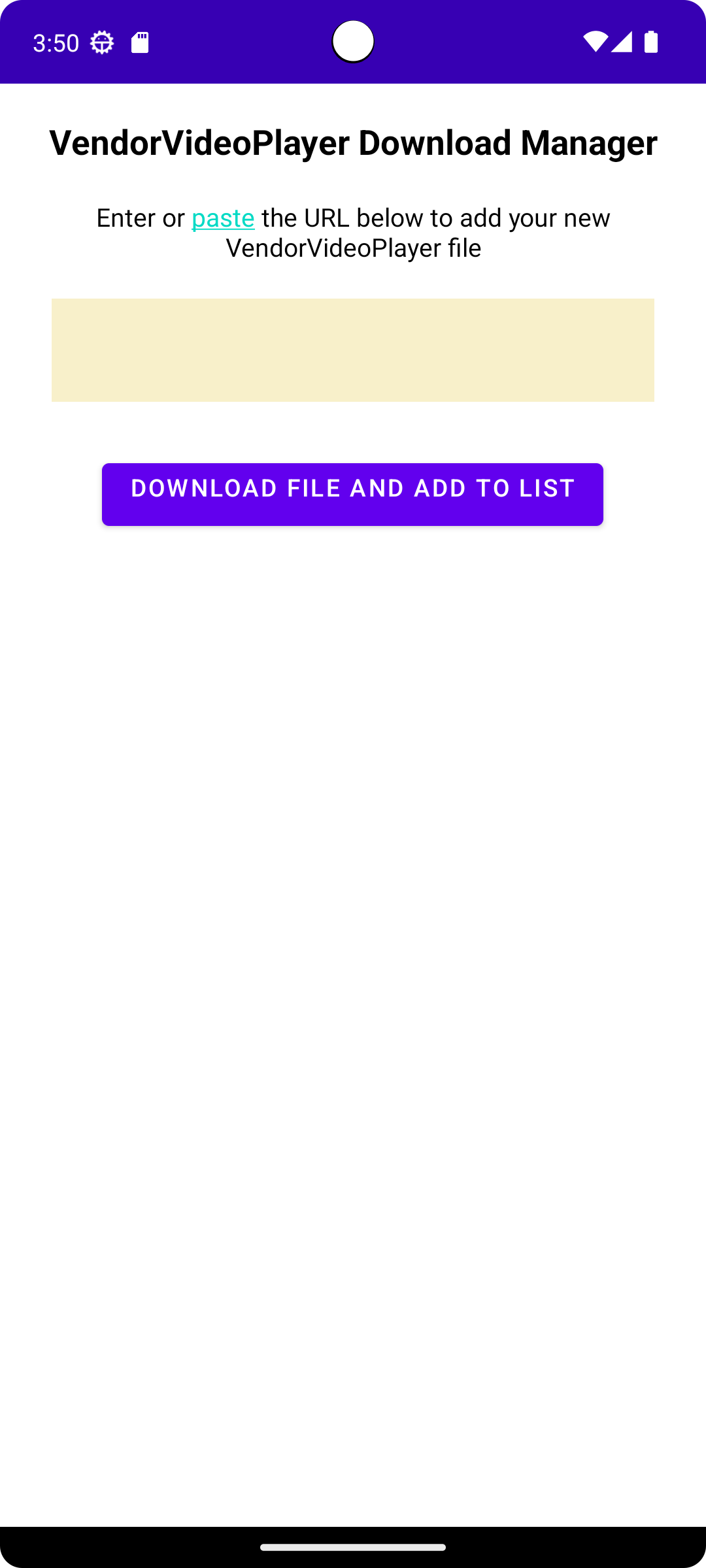
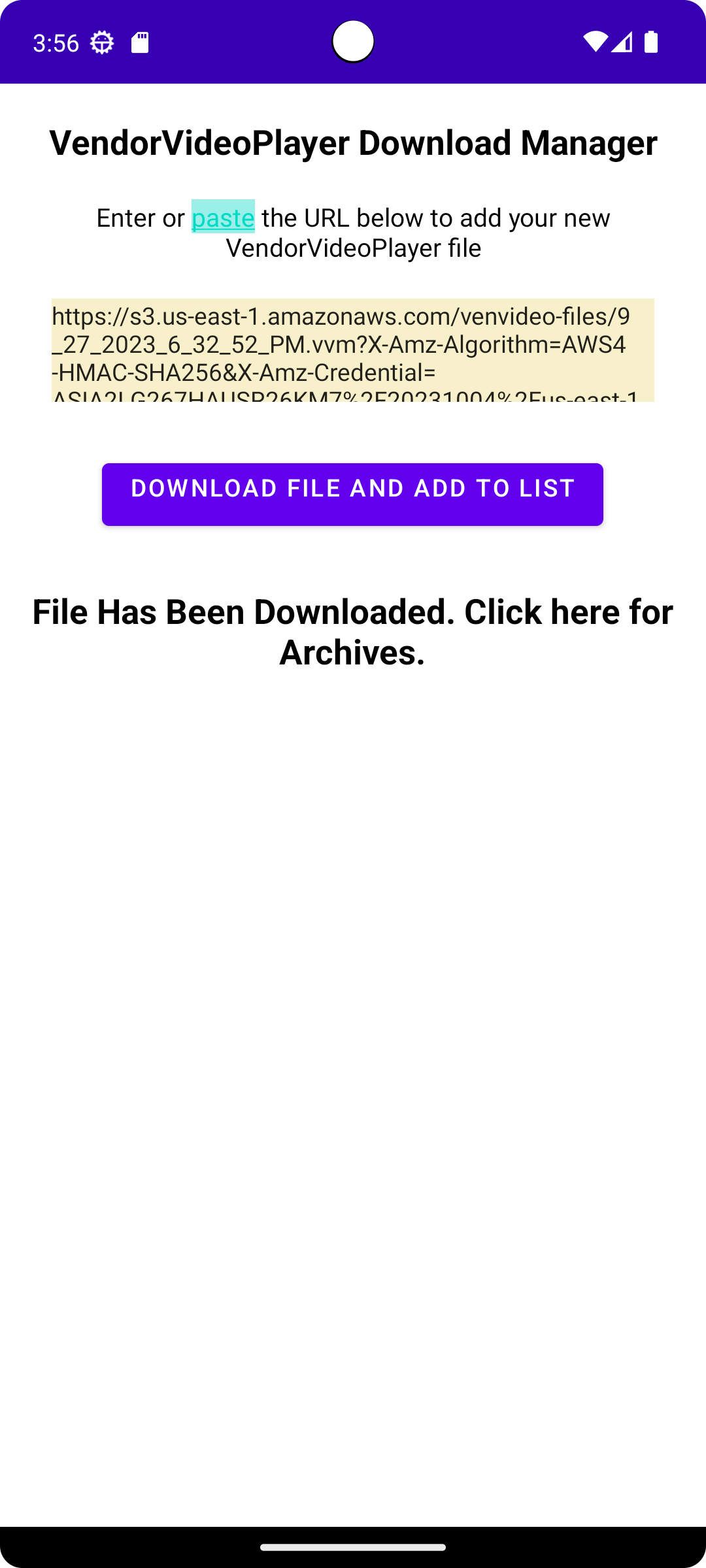
- The customer copies the link, pastes it into the app, and taps Download.
- The app downloads the file and makes it ready for use.
How to Download and Install the Vendor Video Player (Android)
Please follow these steps carefully:
Step 1 — Download the App
- Open Chrome (or your preferred browser) on your Android phone.
- Go to this download link: Download Here
- Tap Download.
-
If you see a warning that the file may be harmful, tap Download anyway.
(This warning appears because the app is not downloaded from the Google Play Store.) - Wait for the download to finish.
Step 2 — Open the Downloaded File
-
When the download completes, tap Open,
OR -
Open your Files app → Downloads → tap the file named
VendorVideo_v20260226a.apk
Step 3 — Allow Installation (First Time Only)
If this is your first time installing an app from the browser:
- You will see a message that says "Install unknown apps" is not allowed.
- Tap Settings.
- Turn on Allow from this source.
- Press the Back button to return to the installer.
Step 4 — Install the App
- Tap Install.
- Wait for installation to complete.
- Tap Open to launch the app.
Important Security Note
For your protection, we recommend verifying the file’s integrity before installing.
Official SHA-256 checksum:
2A41FD56C5998623E03BB2C4750B1FB388D4D33FF69CF98742E56D57D3FC22FEIf you do not know how to verify a checksum, you may safely skip this step.
If Installation Fails
- Make sure you have enough storage space.
- Ensure your Android version is compatible.
- Restart your phone and try again.
If you need assistance, please contact: support@venvideo.com